Games & worlds
Minecraft-inspired desk ideas for builders at heart
Minecraft gives players room to build, explore and decide what their world becomes. That same creative mindset is useful when planning a desk: begin with what you do there, choose a visual foundation and leave yourself space to change things.
By YForge Gaming · September 28, 2026 · 2 min read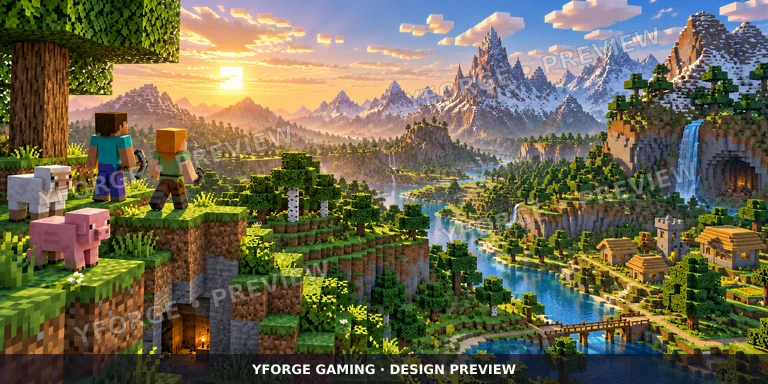
Borrow the building mindset
Minecraft offers Creative and Survival modes, with building central to the experience. For a setup inspired by that idea, think in layers: the desk is your foundation, equipment defines the working zones, and artwork supplies the atmosphere. Get the foundation right before filling it with decoration.
Make a quick room sketch. Mark the outlet, chair clearance and places where cables will run. On the tabletop sketch, reserve space for the keyboard and your full mouse movement. Your most beautiful arrangement still needs to survive an ordinary gaming session.
Use a landscape instead of a collage
Block-style scenery works well as a broad composition. A low valley, a distant ridge and open sky can stretch across a tabletop without requiring every detail to remain visible. Keep the most interesting structure away from the monitor stand or oversized mouse pad.
Choose a small palette that also belongs in your room. Meadow greens and sky blues can feel open and bright; stone gray and warm brown work with a more restrained workspace. Use a single accent for accessories instead of trying to match every block color.
Make the idea your own
The personal part could be an original voxel-style illustration, a building concept you drew yourself or colors that remind you of a long-running world. Describe the atmosphere and important shapes in your brief rather than simply requesting a screenshot stretched to fit.
Keep the original image at its highest available quality. Fine grid lines and small details can look different when enlarged across a physical tabletop. Ask for a production review before assuming an in-game capture or downloaded image is suitable to print. Permission for any game assets still needs to be checked.
A builder’s checklist for the tabletop
Blockcraft Valley is a collection concept to explore for this broad visual direction. It is not an official Minecraft collaboration. Compare the tabletop preview with the room you sketched and decide what you want to change.
- Keep important structures in the visible front or side areas.
- Use open sky or quieter terrain behind equipment.
- Check picture placement on the full-desk preview.
- List your desired colors and cropping instructions in the order notes.
- Keep the final artwork approval separate from a quick editor preview.
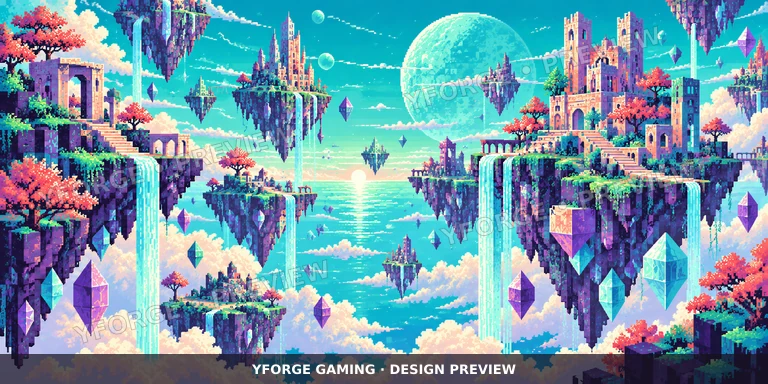 Pixel Playground
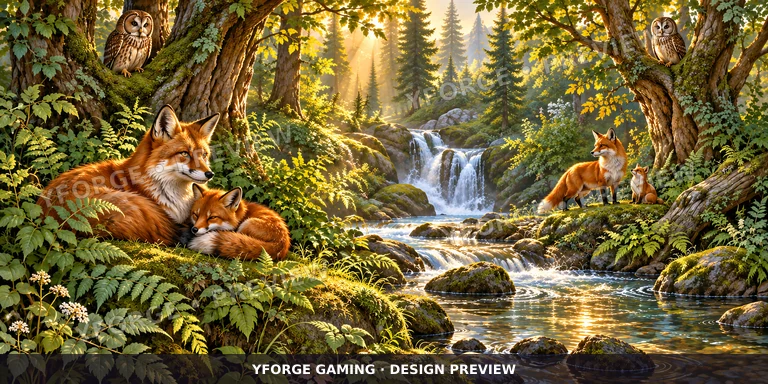 Forest Companions