YFORGE / SETUP GUIDES
Buying Your First Gaming PC: Start With Your Games
Choose a gaming PC around the games you play, your monitor and the complete setup cost. A practical checklist for comparing YForge desktops.
YForge Gaming · November 13, 2026 · AI-assisted guide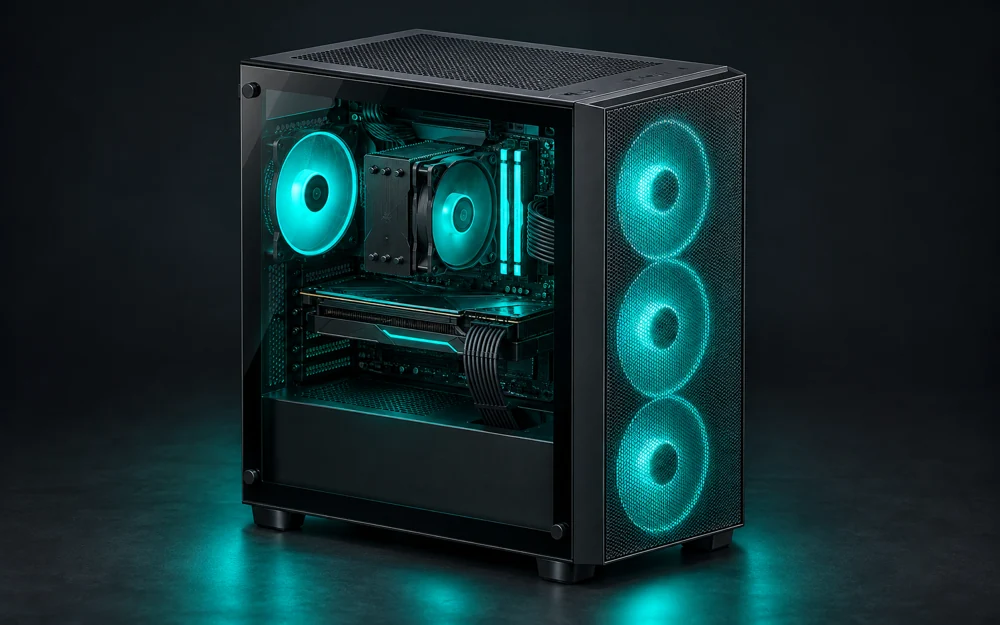
A great first gaming PC fits the way you actually play. Before comparing lighting or case designs, write down your favorite games, the screen you will use and the total you can comfortably spend. That short list makes it much easier to choose between an everyday desktop with integrated graphics and a system with a separate graphics card.
Choose the graphics for your kind of play
Integrated graphics are built into the processor and share system memory. A dedicated graphics card is a separate component with its own graphics memory. That distinction matters more than simply seeing the words “gaming PC” on a product page.
An integrated-graphics desktop may suit everyday work and lighter games, but it is not interchangeable with a dedicated-card system. For a demanding game, compare its published requirements with the exact processor and graphics model in the computer. Do not assume that a colorful case changes what the hardware can run.
Compare performance on the same screen settings
Write down your monitor’s resolution before comparing performance references. A result at one resolution or quality preset does not promise the same result at another. Check the game version, graphics settings and the hardware used in the reference, especially when comparing two differently named PCs.
Treat published FPS figures as context for a decision, not a guaranteed result for your own setup. If a game you care about is missing from the references, ask about that exact game before ordering rather than guessing from a different title.
- List your three most-played games and your monitor resolution.
- Check the exact CPU and GPU model, not only the brand.
- Distinguish a measured reference result from a marketing promise.
Budget for the complete setup
A desktop tower and a complete desk setup are different purchases. YForge’s PC listings identify the desktop price; a monitor, keyboard, mouse or desk may be a separate selection. Include the accessories you actually need when deciding what fits your budget.
Review the operating-system selection, delivery charge and applicable tax before paying. Compare the final order contents, not just the lowest number on a collection card. If you already own a suitable monitor or keyboard, keeping it can leave more room in your budget for the computer itself.
- Check what is included in the listed configuration.
- Review the final delivery and tax amounts before payment.
- Choose the Windows option that matches what you need.
Make the exact parts your shortlist
On each YForge PC product page, compare the named processor, graphics, memory, storage, motherboard and power supply. Two computers with similar case artwork can contain different hardware. Use the specifications as your buying reference; chassis illustrations are not photographs of your finished order.
Start with a few configurations that match your games and budget, then compare their component lists side by side. Keep the current product page as the source for price and availability, because supplier conditions can change. When you are ready, review the selected configuration and build schedule in checkout before committing.
Sources and further reading
THE COMMUNITY
Join the conversation.
Have a question or an idea? Share it with the community.
Loading discussion…